Choose files or a folder
Select a self-contained GLB or include the supporting files required by GLTF and OBJ models.
 Local only
ALYSSIUN VIEWER · PRIVATE 3D INSPECTION
Open common 3D files, move around them, inspect geometry and materials, test camera behavior, and capture a clear image—without uploading the model to a viewing service.
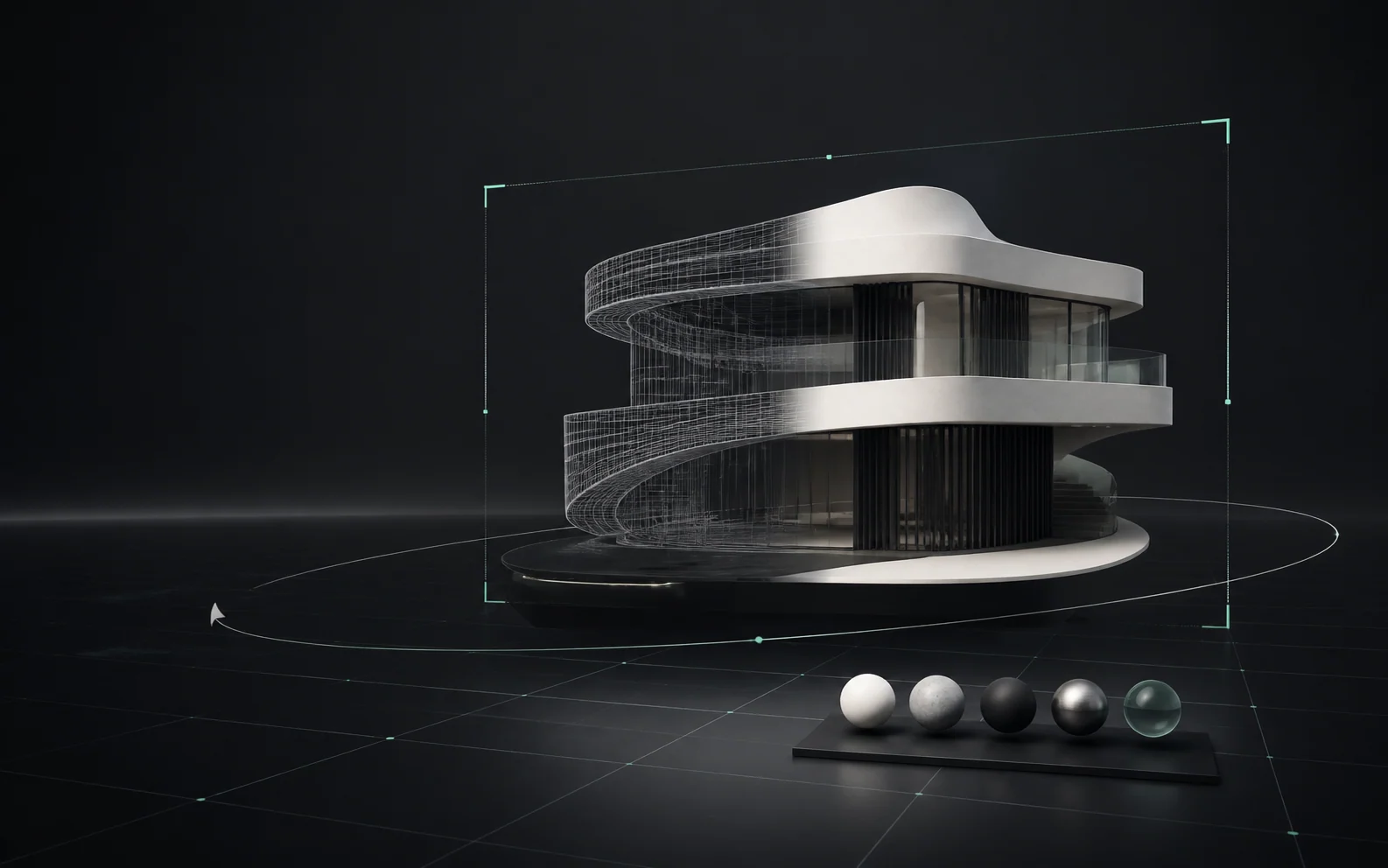
IN PLAIN LANGUAGE
You do not need to import the model into a full editor just to see whether it opens correctly. ALYSSIUN VIEWER gives the model a neutral stage and gives you the controls needed to look around it.
It is useful before publishing, before sending a model to a client, after receiving an export, or whenever you need to understand what is actually inside a 3D asset.
HOW IT WORKS
Everything begins with files you choose. Viewer does not search your device or upload content in the background.
Select a self-contained GLB or include the supporting files required by GLTF and OBJ models.
Viewer creates a local library entry and prepares a thumbnail when the browser can render it.
Orbit around the object, fly through larger scenes, adjust the lens, and review model statistics.
Take a screenshot, return to the library, or keep the asset available in this browser for another session.
SUPPORTED FILES
A dependency is another file the main model needs, such as a texture image, material file, or geometry buffer.
VIEWER CONTROLS
Rotate around the model and move closer to inspect surfaces and details.
Move through buildings, environments, and other scenes where an outside orbit is not enough.
Change the camera lens to understand how wide or compressed the scene appears.
Slow down for detailed interiors or move faster across a large environment.
Control whether camera movement stops immediately or keeps a smoother sense of drift.
Pause or resume animation clips when the selected model contains supported motion.
Review format, file size, vertex count, and triangle count when available.
Save a clean image of the current view for review notes or communication.
WHAT “LOCAL” MEANS
When you choose a file, browser code reads it locally to render the preview. The local library uses browser storage on the current device; it is not a cloud library and does not automatically appear on another device.
WHO USES IT
Check an export, material appearance, framing, and animation before handoff.
Move through a building or object and review scale, structure, and presentation.
Open a model without learning a full authoring tool or creating a project.
Understand downloaded assets and inspect STL geometry before fabrication.
IF A MODEL LOOKS WRONG
COMMON QUESTIONS
No account is required for the local Viewer workflow.
Not through Viewer. Files remain in the browser storage of the device where you added them.
No. Viewer is for opening, navigating, inspecting, and capturing a visual reference—not changing source geometry.
No. Local-only storage is intentionally tied to the current browser and device.
START LOCAL
Choose a GLB, or bring a complete model folder, and Viewer will guide you into the local library.
Local only
Drag & drop models or choose files. Everything is read in your browser — nothing is ever uploaded.
or click to browse — supported formats:
.glb .gltf .obj .stl
Drop a whole folder or a .gltf + .bin + textures / .obj + .mtl together.
Read locally in your browser. Never sent to ALYSSIUN servers.
Set a focal length in millimeters. The model will reframe when the lens changes.
10 keeps the original heavy drift. Higher numbers add more camera smoothing.
Set the fly camera speed multiplier. Higher values move faster.
Set the minimum and maximum fly speed reached by mouse-wheel scrolling.
Adjust mobile fly controls for this device.
Every asset is removed from this browser's local library. Your original files on disk are untouched.